 GV IPTV
IPTV player for Samsung, Android TV and LG
Subtitles in your language, translated live.
GV IPTV finds subtitles online for what you are watching and translates them into your language as it plays. It works for around 99% of films and series.
GV IPTV is a player only. It comes with no channels, films or series. You add your own playlist.
- Samsung (Tizen)
- Android TV and boxes
- LG
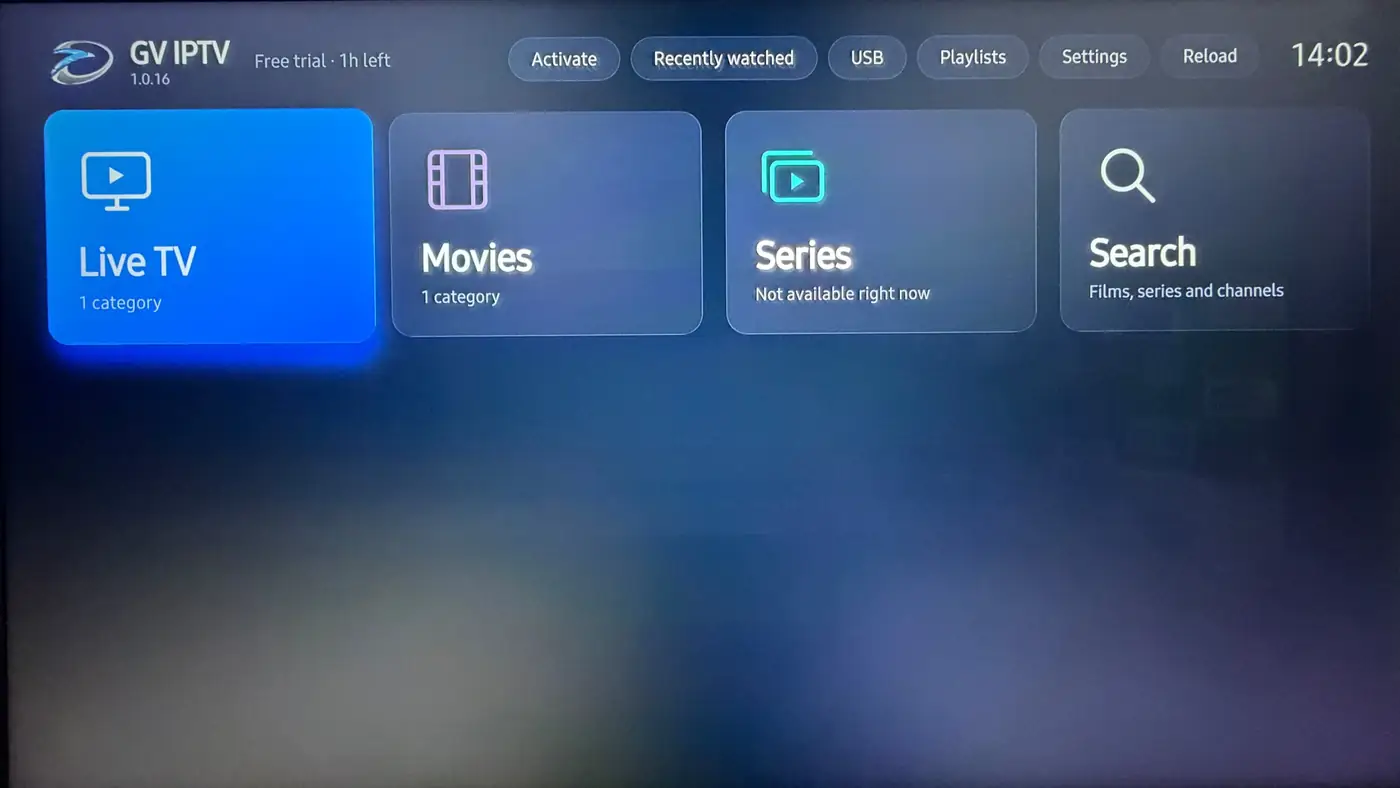
The headline feature
Watch anything. Read it in your own language.
Most players show subtitles only when your playlist happens to include them. GV IPTV goes and gets them.
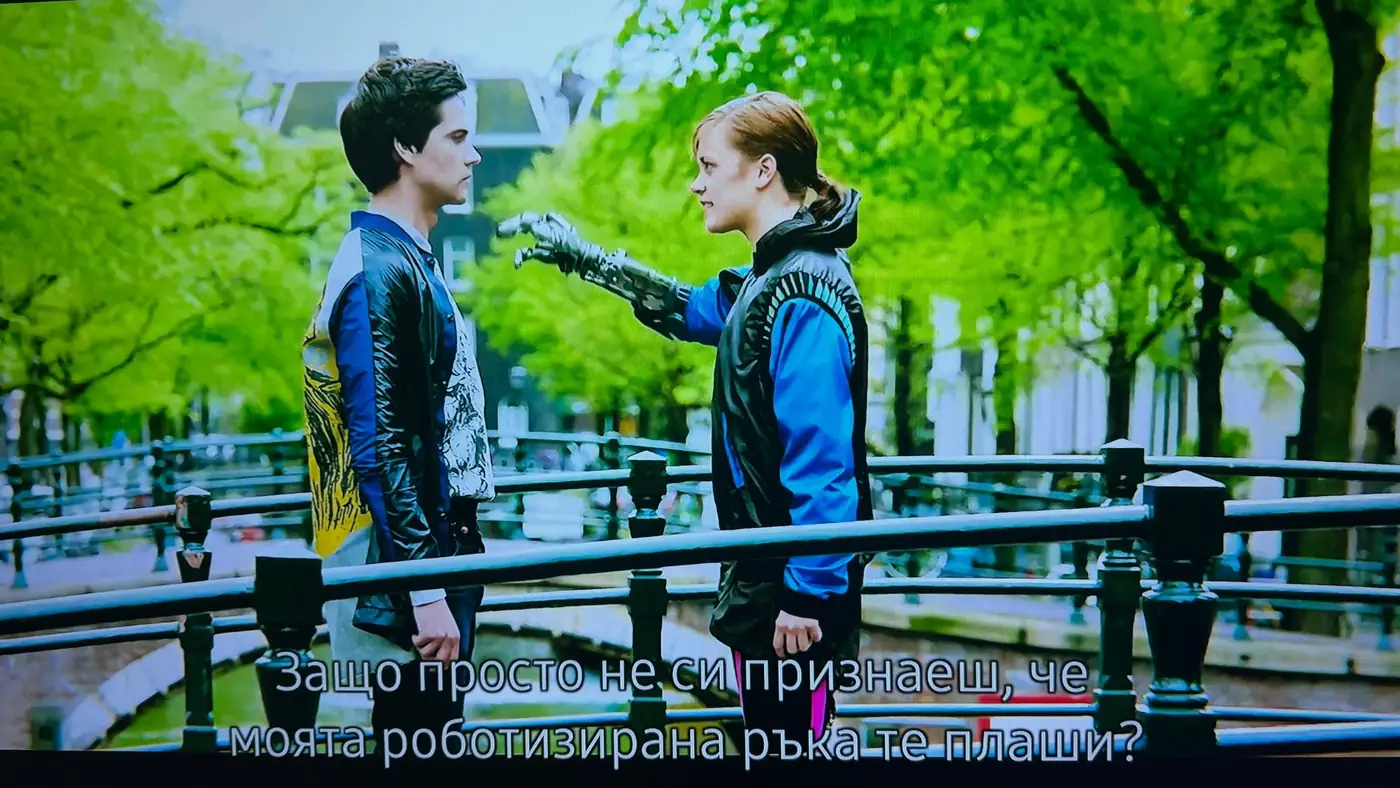
- Online subtitle search. The player looks up subtitles for the film or episode in your language.
- Live auto-translation. If none exist in your language, it translates existing subtitles while you watch.
- Around 99% coverage across films and series (video on demand).
Illustration of live translation. Online subtitles and live translation are part of Pro and the free trial.
Player only, no content
You bring the playlist. We play it well.
GV IPTV does not supply, sell or host any channels, films, series or subscriptions. What you watch comes from the playlist you add, and you are responsible for having the right to watch it.
What you get
- A fast, TV-remote friendly player
- Online subtitles and live translation
- Guide, posters, ratings and catch-up
Playlists it accepts
- Xtream login
- M3U link
- MAC portal
Features
Everything else a good player should do
Built for the sofa and a remote control, with the details that make a playlist feel like a proper TV service.
Live TV and guide
Full on-screen programme guide (EPG) beside your channel list.
Catch-up TV
Go back to programmes you missed, where your playlist offers catch-up.
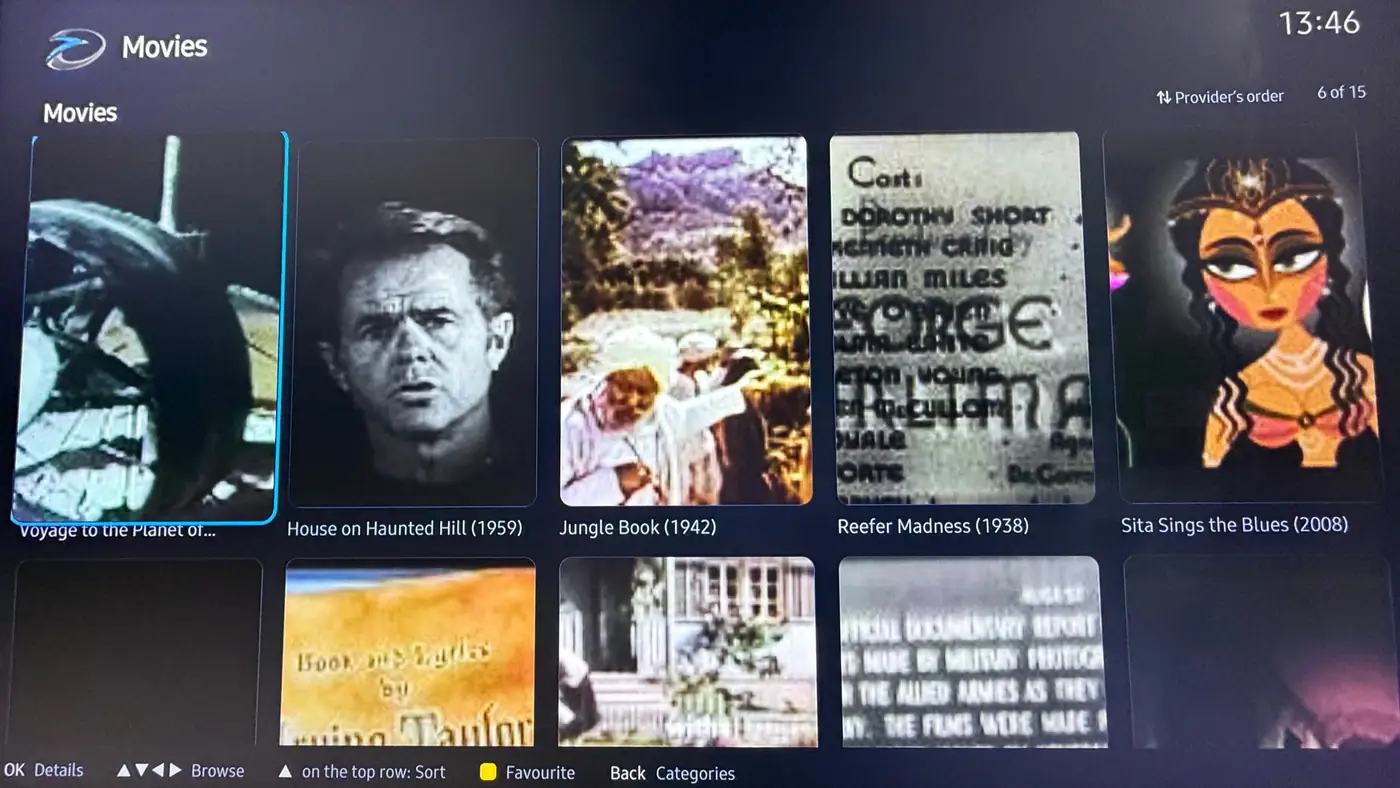
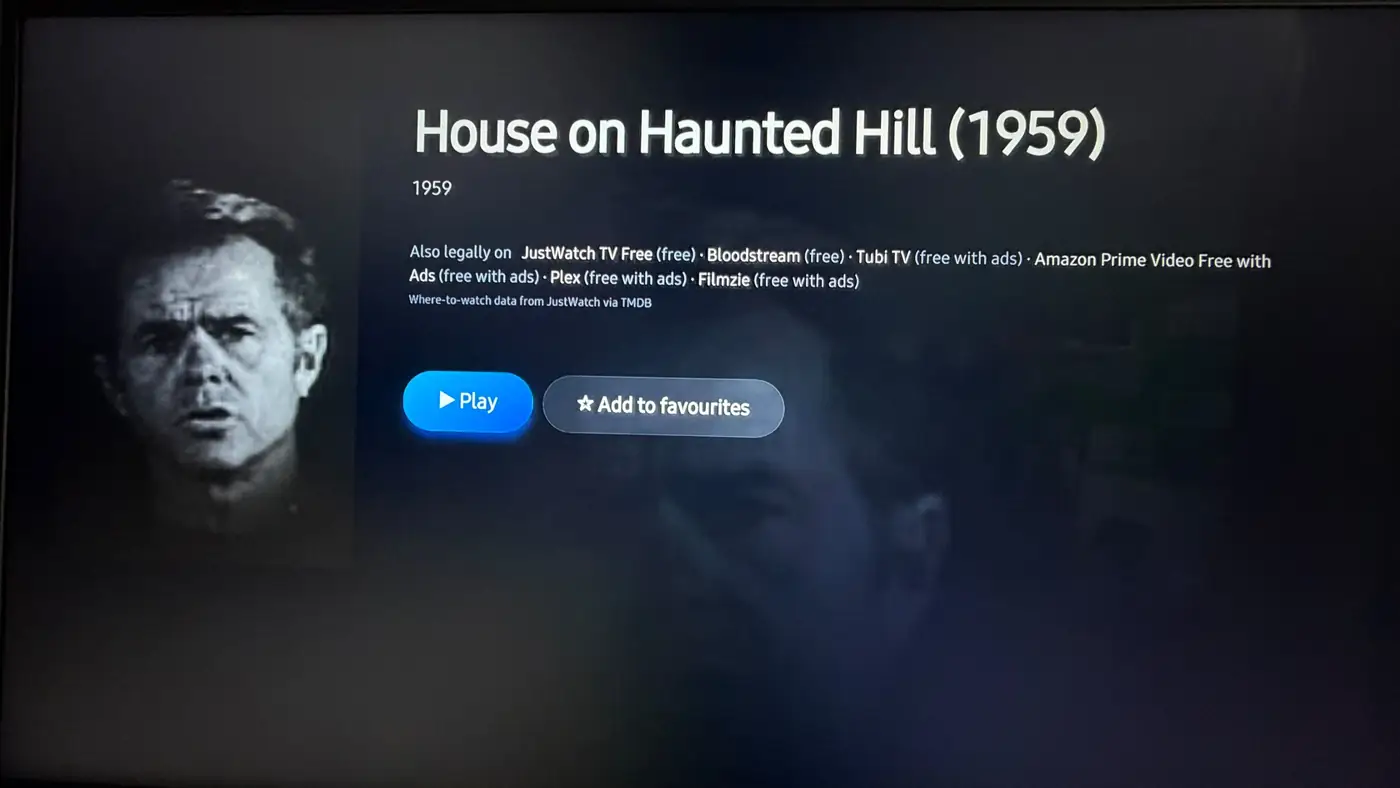
Films and series
Posters, ratings and details, with series laid out by season and episode.
Audio tracks
Switch between multiple audio tracks. Surround sound is decoded to stereo.
Plays the hard formats
Dolby, DTS, MKV and DASH streams play without extra apps.
USB playback
Plug in a drive and play your own video files.
Favourites and resume
Star what you like and pick up where you stopped with Continue watching.
Your language
Multilingual interface, including English and Bulgarian.
How it works
From install to watching in four steps
Install for free
Get GV IPTV from your TV's app store, or sideload it on Android.
Add your playlist
Enter your Xtream login, M3U link or MAC portal. Set up a TV from your phone if you prefer.
Try everything
The free trial gives you full Pro for 24 hours, subtitles and translation included.
Activate
Like it? Choose a plan and activate on gviptv.co.uk.
Plans
Try it free, then pick what suits you
Prices are shown in £, € or $ depending on your region. Plans cover the player only and include no content.
Free trial
- Full Pro features
- Online subtitles and live translation
- Starts when you install
Pro
- The full player
- Online subtitle search in your language
- Live auto-translation of subtitles
Basic
- The full player
- Live TV, guide, catch-up, films and series
- No auto-translation
Install
Get GV IPTV on your TV
Android TV and boxes
- Open the Downloader app on your TV or box.
- Enter
gviptv.co.uk/app - Install and open GV IPTV.
Samsung (Tizen)
GV IPTV is in review for the Samsung TV app store. Until it is listed, contact us and we will help you get it on your TV.
LG
Contact us for availability on your LG TV.
Questions
Good to know
Does GV IPTV include channels, films or series?
No. GV IPTV is a player only. It ships empty and plays the playlist you add. We do not provide or sell any content or subscriptions.
What kind of playlist can I add?
An Xtream login, an M3U link or a MAC portal.
Where do online subtitles and translation work?
On films and series (video on demand), for around 99% of titles. They are included in Pro and in the free trial. Basic has the full player without auto-translation.
What happens when the free trial ends?
The trial gives you full Pro for 24 hours. After that, choose Pro or Basic and activate on gviptv.co.uk.
Need a hand?
Questions about installing, adding a playlist or activating a TV. Message us and a real person will reply.